
Free WordPress theme
Modality, a clear business website.
Modality is a clean, fast and accessible theme for business websites and blogs. Build your home page from ready-made sections, pick a style preset and fine-tune everything in the Customizer, with live preview.
Free
On WordPress.org
4 style presets
Classic, Modern, Light, Bold
9 sections
For your home page
Version 2.0
Rebuilt, your settings kept
Style presets
Four looks, one click.
Choose a preset in Customize → Theme Style → Style Preset and the whole site changes in the preview. Colors and fonts you set yourself keep their value.
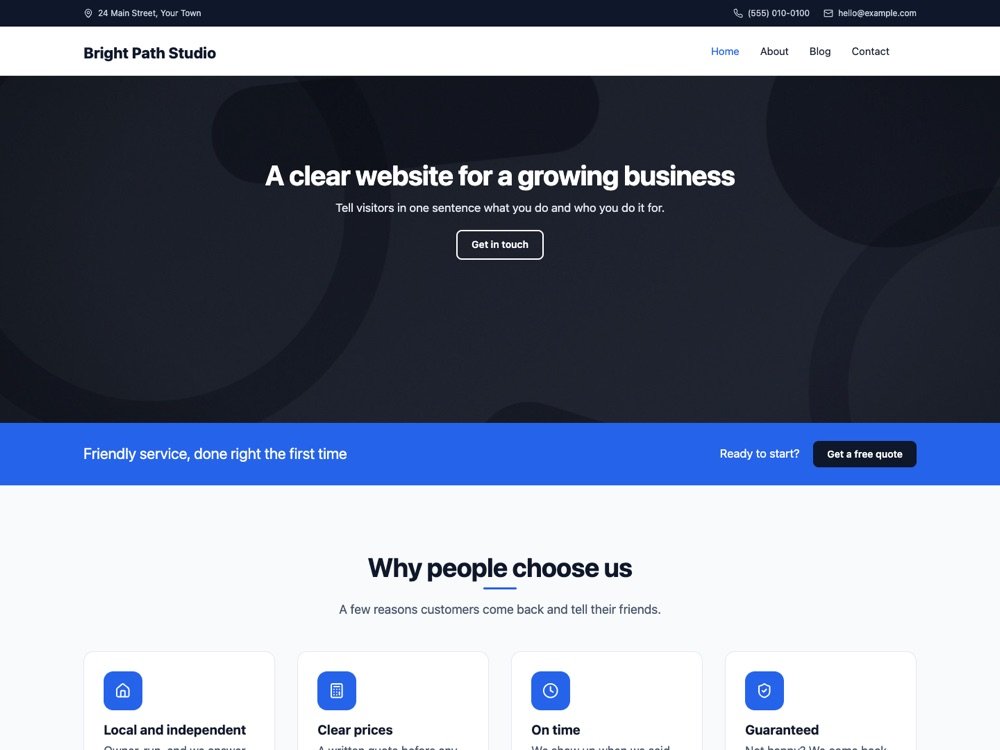
Modern
The default for new sites
A light header, system fonts, larger type, a grid blog and plain cards.
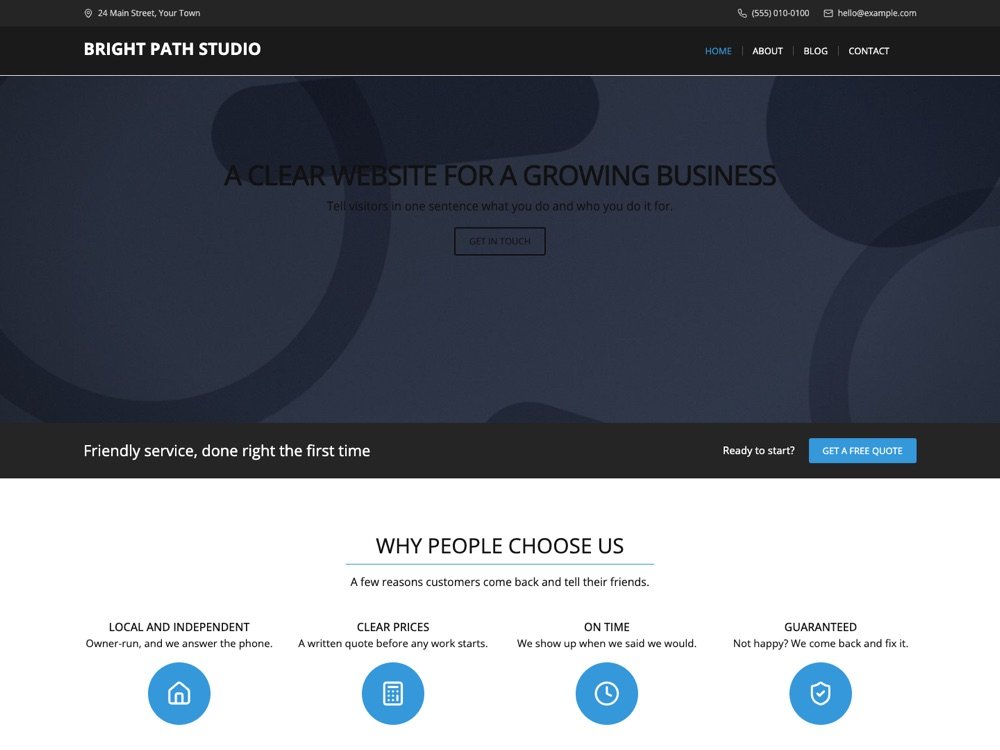
Classic
The original Modality look
Dark header, Open Sans, uppercase headings and boxed posts. Updated sites keep it.
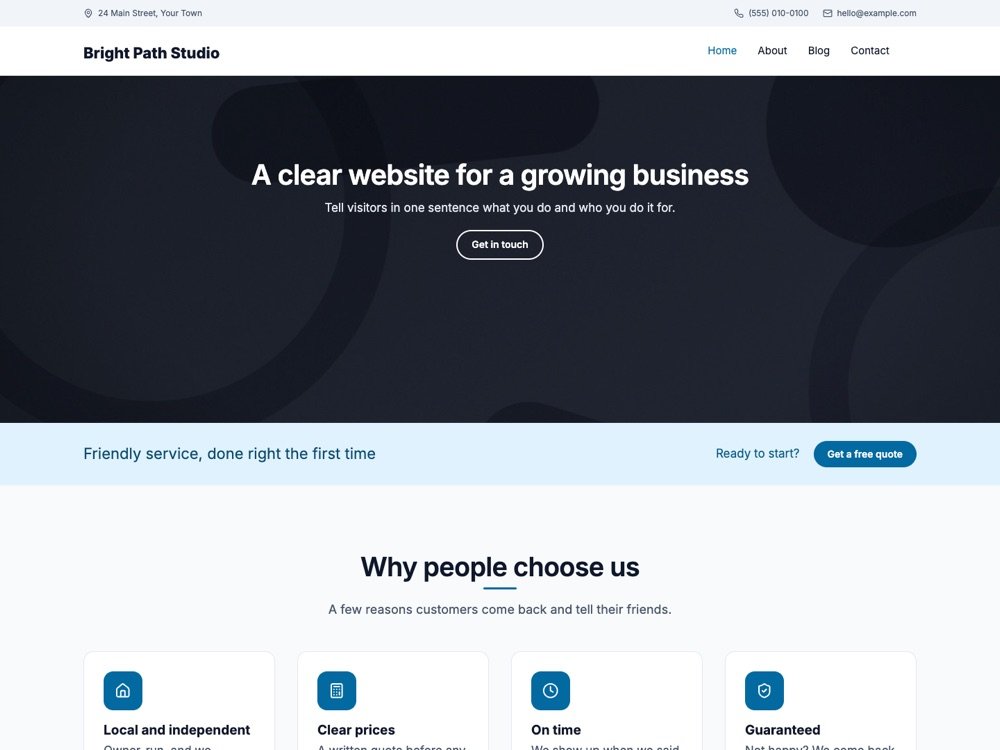
Light
Airy and bright
Inter type, a sky blue accent, light sections and a light footer.
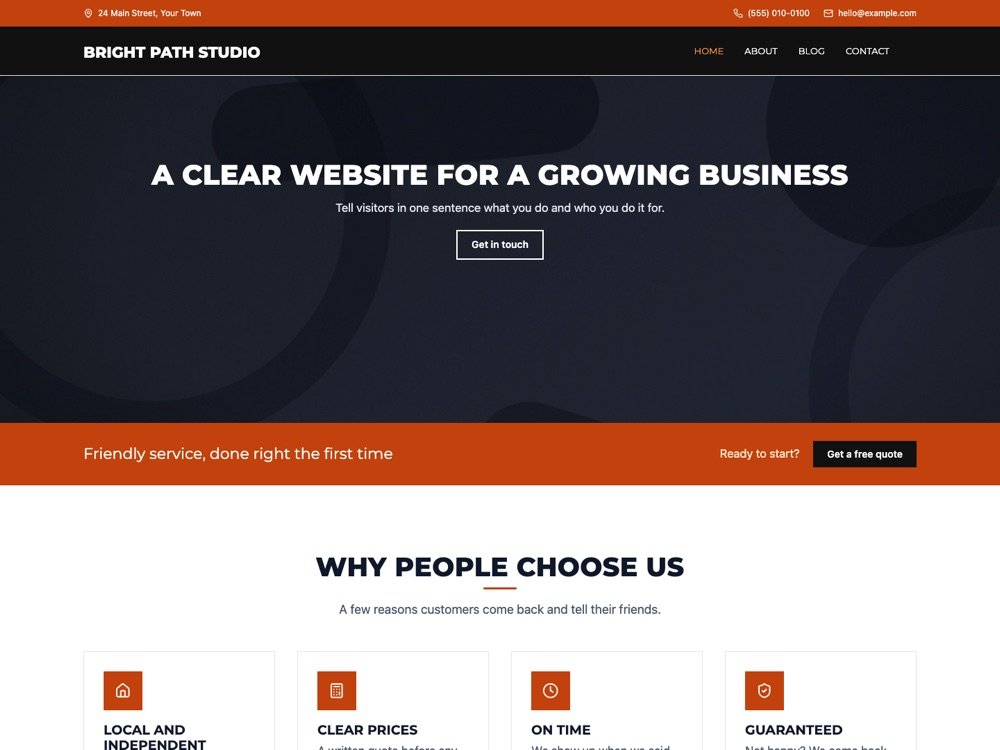
Bold
Strong and dark
Montserrat uppercase headings, an orange accent, square corners and dark bands.
What’s inside
Everything a business site needs.
Every setting is in the Customizer, with live preview. No page builder or extra plugins needed.
Front page sections
Slider, get started, features, about, services, call to action, boxes, get in touch and news. Reorder them freely.
Accessible slider
Posts, pages or your own slides, with keyboard controls and a pause button.
Presets and palette
Four presets, a color palette and 28 fonts, shared with the block editor.
Header and menu
Three layouts, a top bar for address and phone, sticky header, search and a header button.
Blog layouts
List or grid, post details on or off, author box, breadcrumbs and per-post layouts.
Block patterns
Every section as a block pattern, plus the Modality Front Page template for any page.
WooCommerce and forms
Shop, cart and checkout styles with a header cart, and Contact Form 7 styles.
Accessible
Skip link, keyboard menus, visible focus and AA contrast in three presets.
Fast and private
No jQuery on the front end; Google Fonts are served from your own site.
Updating from 1.x
Your site stays as it is.
Modality 2.0 is a complete rebuild, but you don’t have to rebuild anything. Update as usual.
Settings carried over
Every setting you changed is copied to 2.0.
Same look
Updated sites get the Classic preset, the original design.
Menus and widgets
Stay exactly where they were.
Nothing deleted
Your 1.x settings are kept if you ever go back.
Changelog
New in Modality 2.0.
The full changelog is in the theme’s readme on WordPress.org.
- Rebuilt from the ground up; every 1.x setting is kept and carried over
- Classic, Modern, Light and Bold style presets, a color palette, heading fonts and sizes
- Three header layouts, a header button and search, a grid blog and layouts per post type
- Accessible menus and slider, a skip link, visible focus and reduced-motion support
- One small stylesheet and script, no jQuery or Bootstrap, optional local Google Fonts
- The Modality Front Page template, block patterns, editor styles and block styles
- WooCommerce and Contact Form 7 styles, right-to-left support and starter content
From the team behind Modality
Need it customized, or your site fixed?
Hill City Web builds Modality and looks after WordPress sites for small businesses. We customize Modality sites, fix broken or slow ones, and update old sites safely. A website rescue is $450, and the first conversation is free.
Starting a new site?
Try Terrifico.
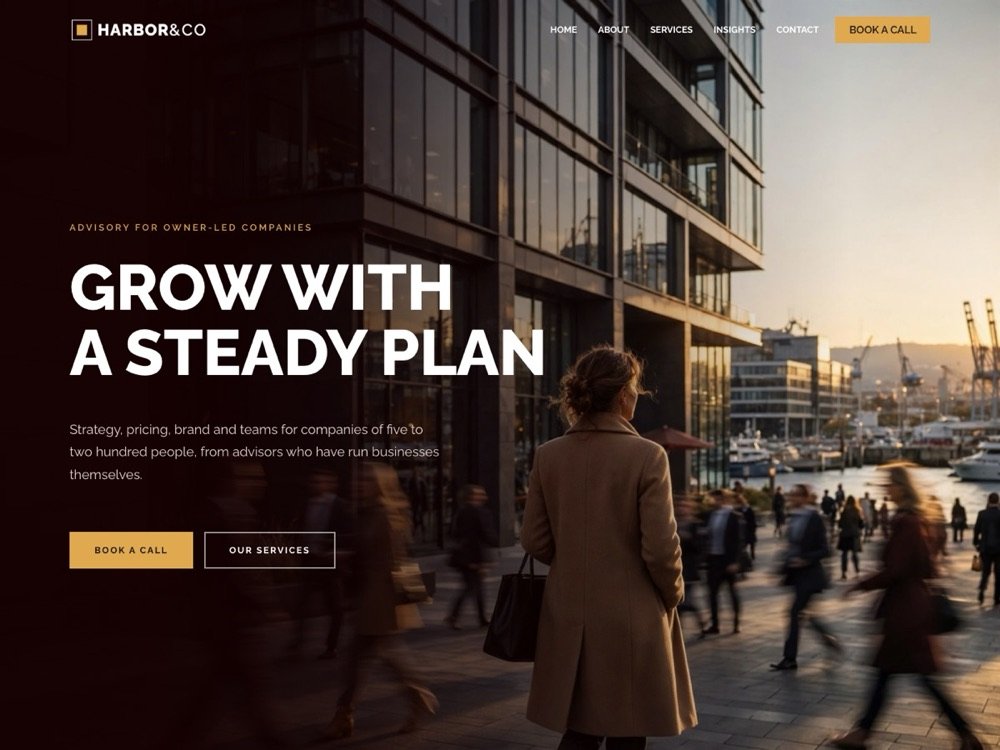
Terrifico is our newest free theme, with a front page builder and ready-made layouts. Its Pro add-on brings nine demo websites, a header & footer builder and Elementor widgets.
FAQ
Questions about Modality.
Yes. Modality is free on WordPress.org under the GPL, with every feature included. There is no Pro version.
No. Your settings, menus and widgets are carried over, and your site keeps the Classic look it had. Your 1.x settings are also kept, so you can go back to 1.0.5.2 if you ever need to.
Only Google Fonts, and only when you choose one. With “Host Google Fonts on this site” on (the default), the fonts are downloaded to your site once and visitors never contact Google. The theme does not track visitors.
Keep “Your latest posts” in Settings → Reading and the sections show above your posts, or give any page the Modality Front Page template. Turn sections on and reorder them in Customize → Front Page Sections.
Read the documentation, ask in the Modality forum on WordPress.org, or see our support page. We build the theme and answer questions ourselves.