
Installation & updates
Terrifico documentation
Installation & updates
Browse the documentation
Terrifico is a complete theme on its own. Terrifico Pro is an optional plugin that adds to it. You need WordPress 6.6 or newer and PHP 8.1 or newer.
Install the free theme
- In your dashboard go to Appearance → Themes → Add New.
- Search for Terrifico, click Install, then Activate.
- Open Appearance → Customize. On a brand-new site the Customizer previews a starter site (front page, About, Services, Projects, Blog and Contact pages, sample posts, a menu and footer widgets). Nothing is saved until you click Publish.
The theme updates from WordPress.org like any other theme, under Dashboard → Updates.
Add Terrifico Pro
- Buy a license in the store. You get a download link for
terrifico-pro-<version>.zipand a license key that starts withTFPRO-. - Go to Plugins → Add New → Upload Plugin, choose the zip, click Install Now, then Activate.
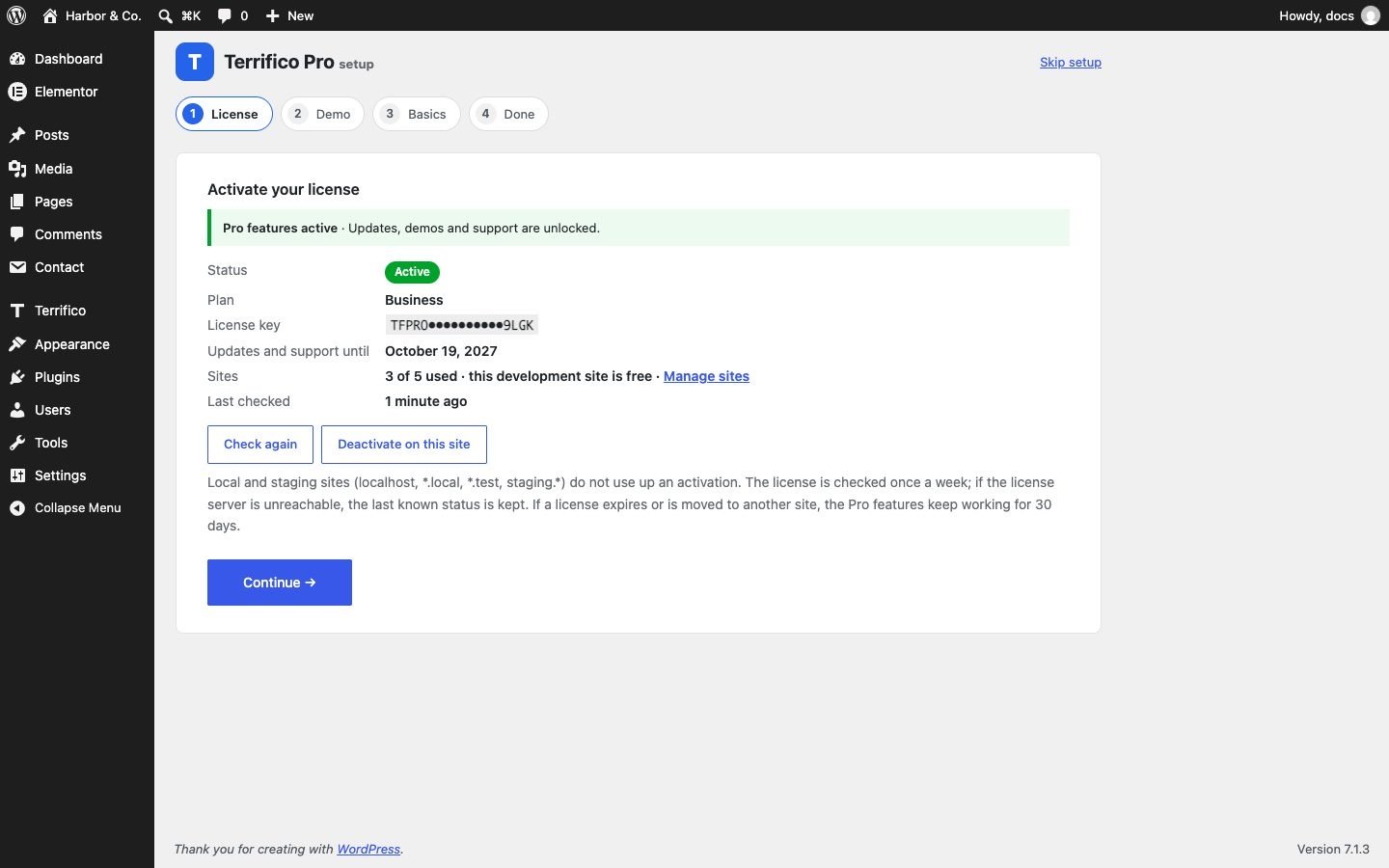
- The setup wizard opens once: License → Demo → Basics → Done. Every step can be skipped and done later.
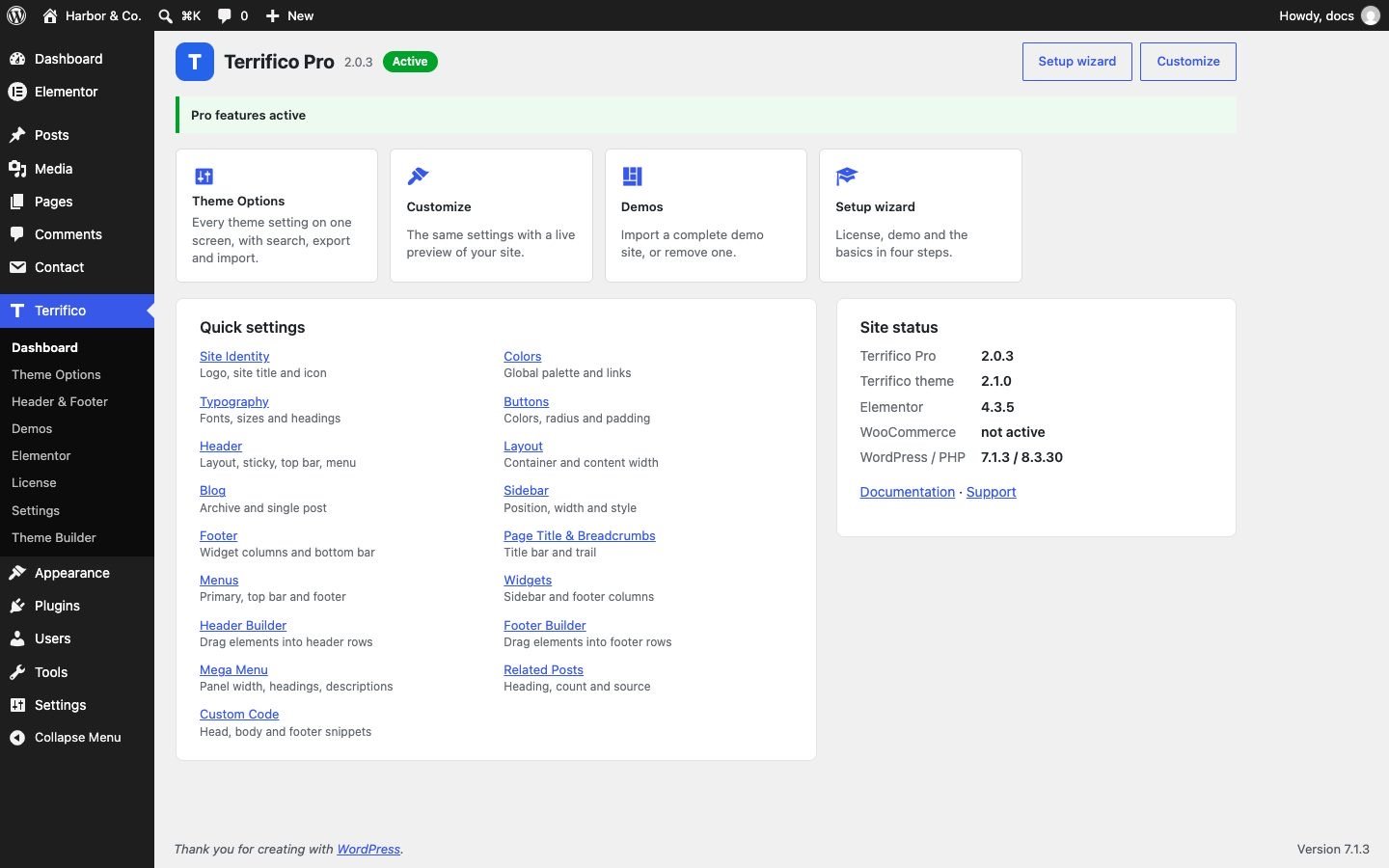
- Terrifico Pro adds a Terrifico menu to the dashboard: Dashboard, Theme Options, Header & Footer, Demos, Elementor, License, Settings and Theme Builder.
Pro needs the free theme to be installed and active. If it is missing, inactive or too old, a notice with a one-click Install, Activate or Update button appears and Pro waits until it is fixed.
Coming from Terrifico 1.x?
Update as usual. Your 1.x colors, footer text, social links, menu and widgets are moved to the new options automatically, and a notice confirms it. The 1.x home page sections (slider, services, call to action) were retired; rebuild them with the front page sections or the block patterns.