
Theme Builder
Terrifico documentation
Theme Builder Pro
Browse the documentation
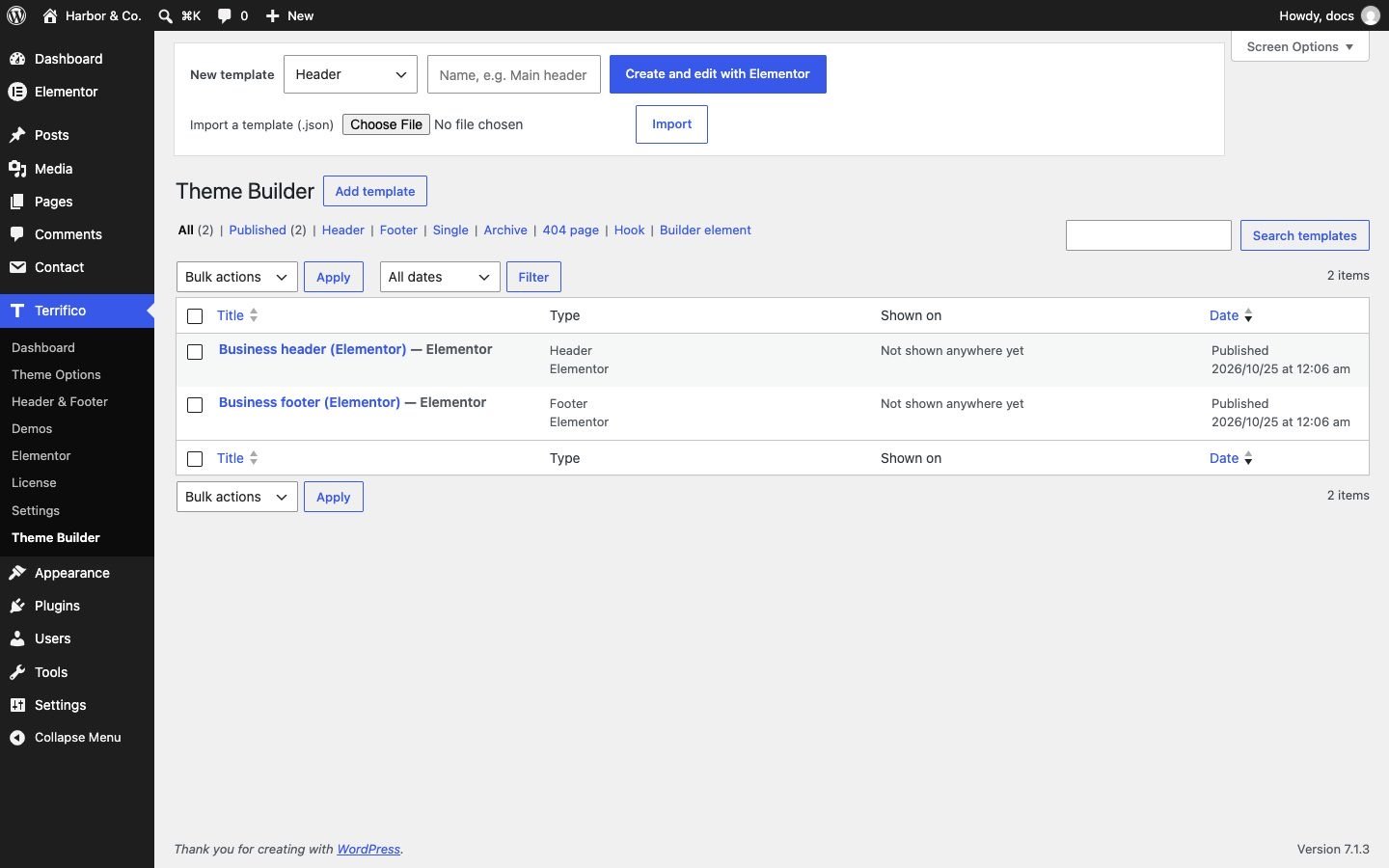
The Theme Builder in Terrifico Pro lets you design your own header, footer, single post, archive and 404 templates, and show them where you choose. You can build them with Elementor (free) or with the block editor. Find it under Terrifico → Theme Builder.
Create a template
- Click Add New and pick a type: Header, Footer, Single, Archive, 404 or Hook (content placed at one of the theme’s hook positions).
- Design it in Elementor or the block editor. The Terrifico site and post widgets (logo, menu, post title, featured image, posts grid and more) are made for this; see Elementor widgets.
- Set the display conditions: the whole site, the front page, all pages or posts, single items, categories and other archives, with exclusions. In the block editor they are in the template’s settings sidebar; with Elementor, in the settings box on the template’s edit screen.
- Publish. Where the conditions match, the template replaces the theme’s own part; everywhere else the theme (or the header & footer builder) is used.
When several templates match the same page, the most specific condition wins: a single page beats “all pages”, which beats “entire site”.
Templates from our library
Terrifico → Elementor lists ready-made headers, footers and sections from our template library. Inserting one adds it to the Theme Builder as a draft for you to adjust. The library needs an activated license.
Move templates between sites
Use Export on a template in the Theme Builder list to save it as a JSON file, and the import form at the top of the list on the other site. An imported template arrives as a draft: check its display conditions, then publish it.
Good to know
- Theme Builder headers don’t have the theme header’s sticky or transparent behavior. If you need those, use the header & footer builder and drop a template into one of its two template elements.
- With Elementor Pro active, its own Theme Builder locations are respected too.
- Templates are hidden from visitors and from sitemaps when viewed on their own.