
Page settings
Terrifico documentation
Page settings
Browse the documentation
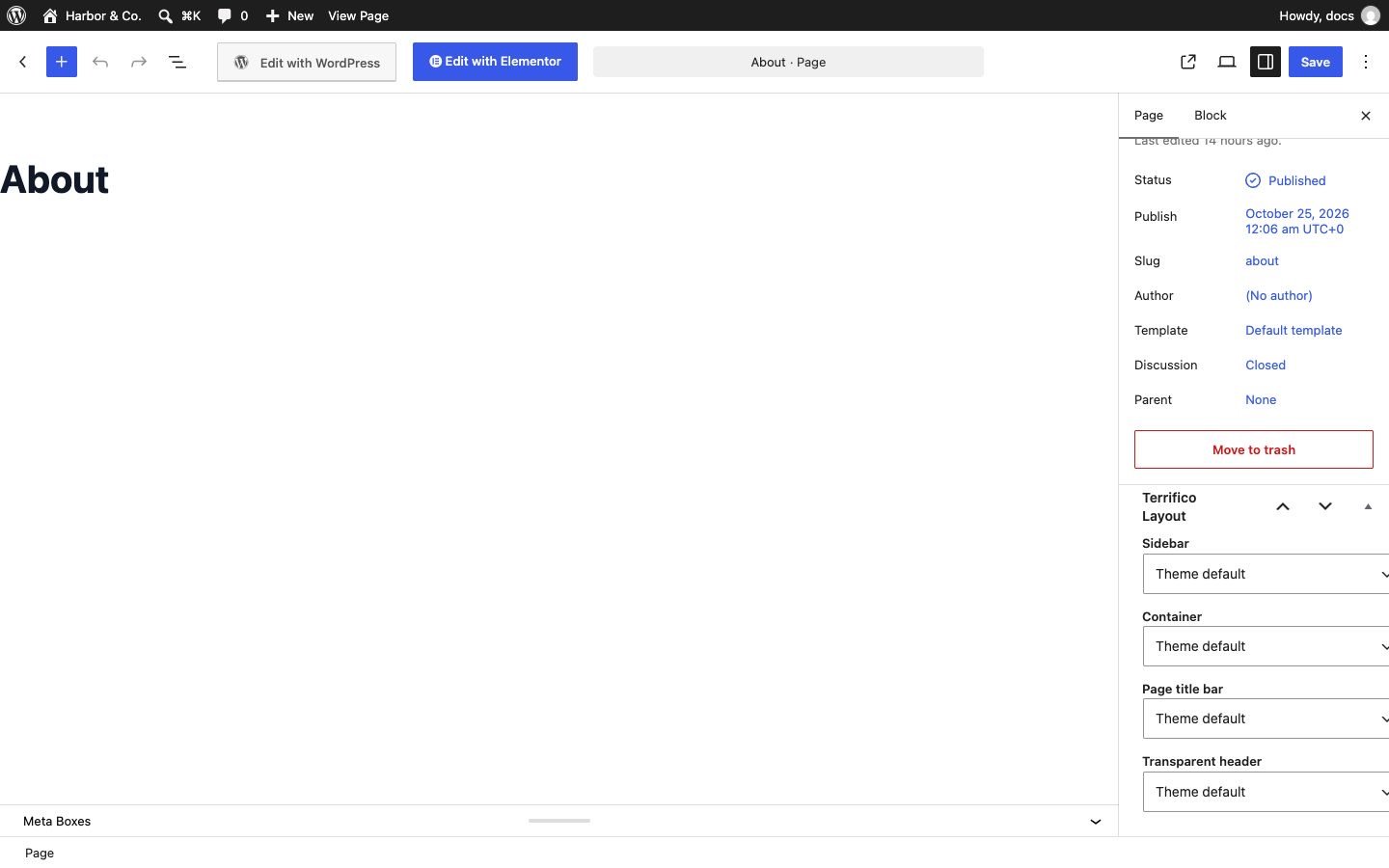
Every page and post has a Terrifico Layout box in the editor’s sidebar. It overrides the site-wide settings for that one page; leave a setting on Default to follow the Customizer.
- Sidebar: default, left, right or none.
- Container: default, normal, narrow or full width.
- Page title bar: default, show or hide.
- Transparent header: default, enable or disable for this page.
Full-width pages
- Pages edited with Elementor are full width, without sidebar or title bar, automatically. Turn this off under Customize → Global → Container.
- Elementor’s own Elementor Full Width template and its Hide Title setting are respected.
- For other page builders, choose the Full Width page template, or set Container to full width and Sidebar to none in the Terrifico Layout box.
The front page title
A static front page doesn’t print its title (“Home”) above the content. To show it on that page, set Page title bar to Show in its Terrifico Layout box.