
First steps
Terrifico documentation
First steps
Browse the documentation
What to set up after you activate the theme. Each step takes a few minutes.
Your brand
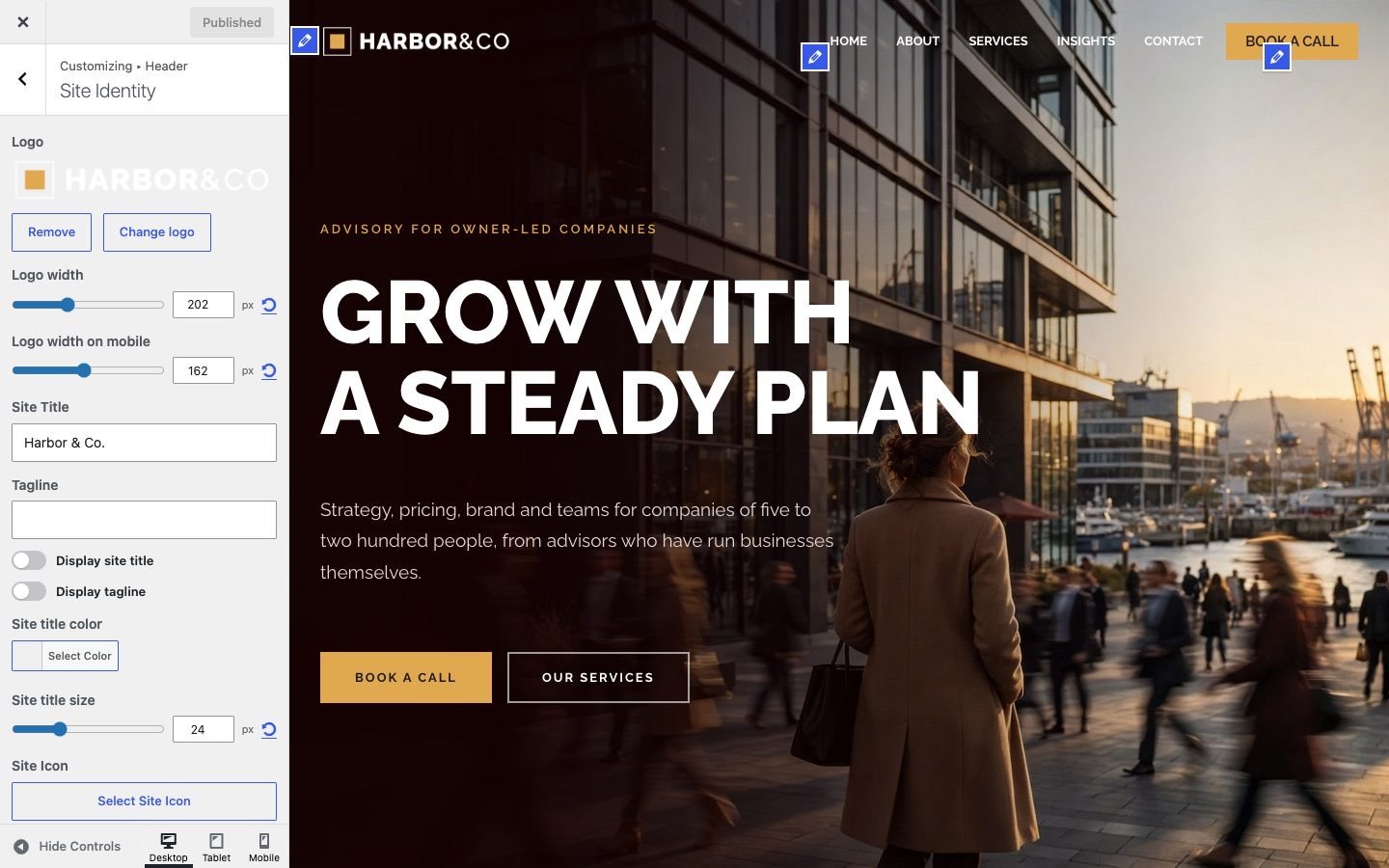
- Set your logo, site title and site icon under Customize → Site Identity.
- Pick colors and fonts under Customize → Global (see Theme options).
Menu and pages
- Assign a menu to the Primary Menu location under Appearance → Menus.
- Build the front page in Customize → Front Page (see Front page), or import a demo with Pro (see Demo websites).
Before you launch
- Check each page on a phone; the Customizer has a phone preview at the bottom.
- Set the layout of single pages in the Terrifico Layout box (see Page settings).