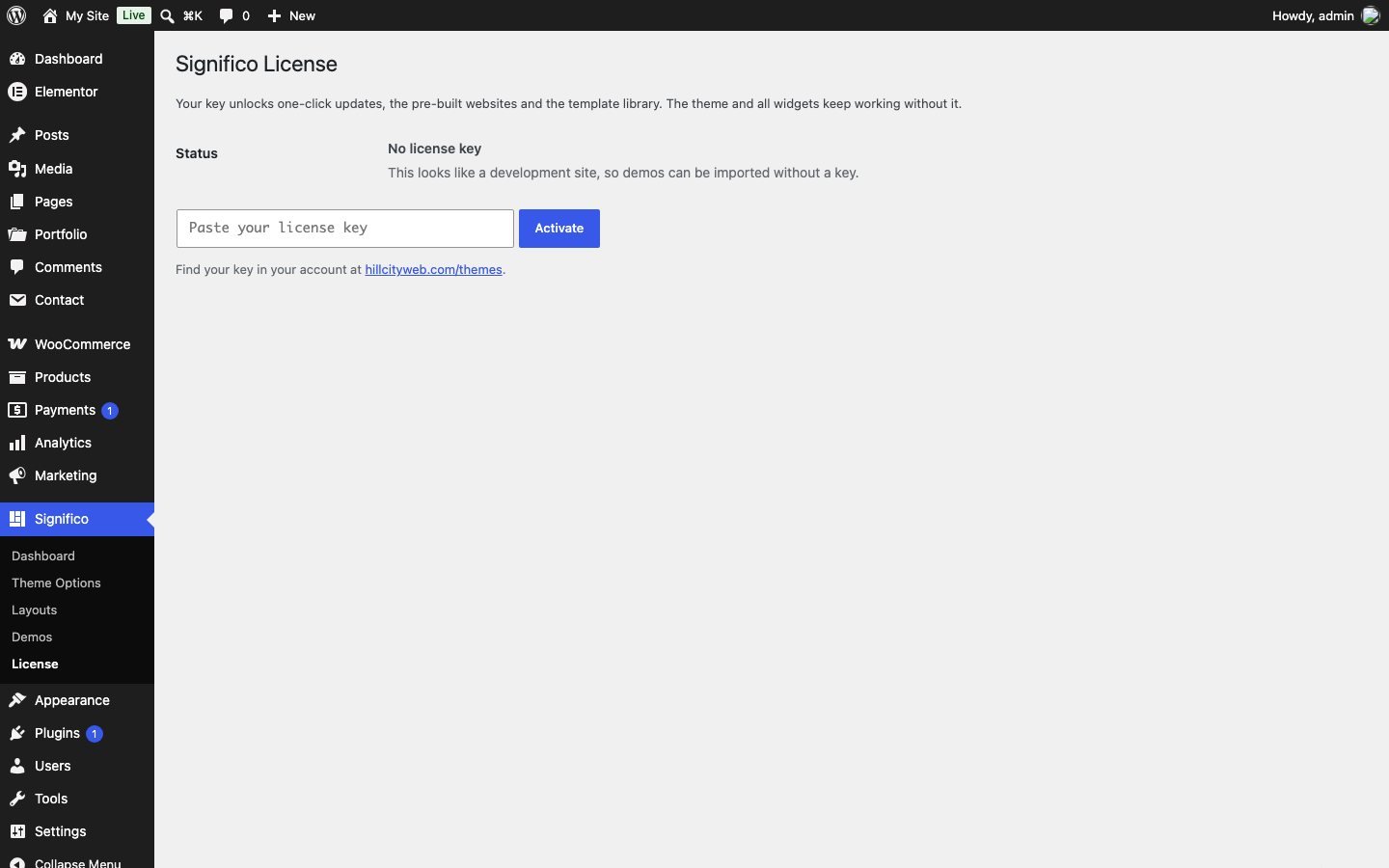
Your Significo Pro license key turns on one-click updates, the demo websites and the section library. The theme builder and the widgets work without a key, and pages you built keep working if a license lapses.
Activate your key
- Copy your key from My account → Licenses on hillcityweb.com/themes, or from your order e-mail.
- In your dashboard, go to Significo → License, paste the key and click Activate.
- The page then shows your key, how many of its sites are in use (for example 1 of 5) and the date updates and support run until. Check again refreshes it after a renewal or upgrade.
How many sites
- Personal: 1 site. Business: 5 sites. Agency: unlimited sites.
- Local and staging sites never use an activation. Sites on
localhost,.localor.testaddresses andstaging.subdomains can also import demos without a key.
Move a license to another site
Click Deactivate on this site on Significo → License on the old site, then activate the key on the new one. If the old site is already gone, send us a message with the key and we’ll free its activation.
Renewals
Each license includes a year of updates and support. Renew from My account → Licenses. If you don’t renew, your site keeps working exactly as it is; only updates, new demos and support stop until you renew.