Significo comes in two parts. The theme is free and works on its own. Significo Pro is a plugin you add when you want the theme builder, the Elementor widgets and the demo websites.
Requirements
- Theme: WordPress 6.5 or newer and PHP 7.4 or newer.
- Significo Pro: PHP 8.1 or newer and the free Elementor plugin, version 3.20 or newer. Elementor Pro is not needed.
- WooCommerce only if you want a shop.
Install the theme
- Go to Appearance → Themes → Add New.
- Search for Significo and click Install, then Activate. Significo is on its way to WordPress.org; until it appears there, click Upload Theme instead and choose the
significo.zipyou received from us. - A notice on the Dashboard says Thanks for installing Significo! Click Get started with Significo to open Appearance → Significo.
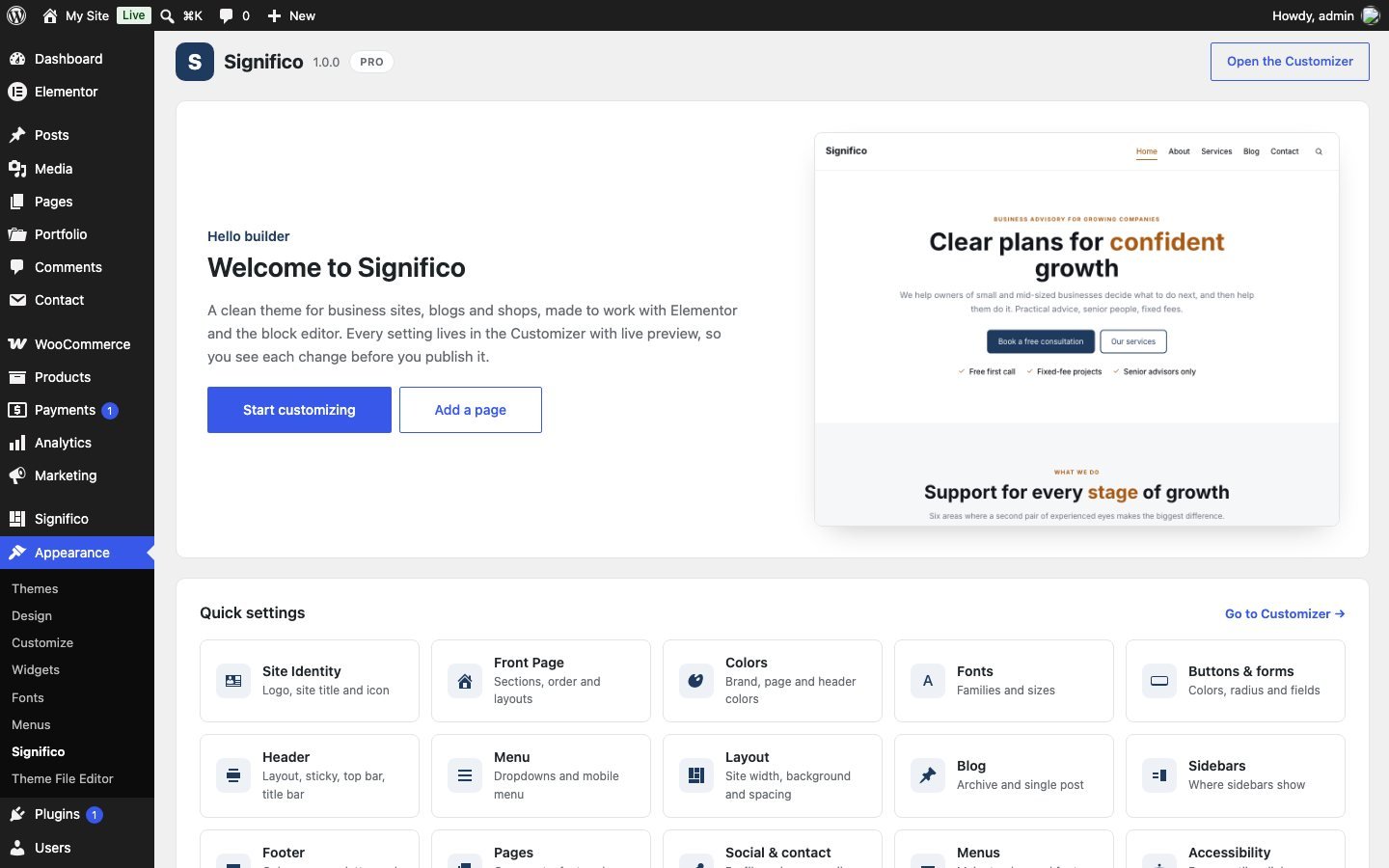
Appearance → Significo is your starting point: shortcuts to every group of settings in the Customizer, a guide to the front page and the patterns, and a Get started checklist.
Install Significo Pro
- Install and activate Elementor from Plugins → Add New.
- Go to Plugins → Add New → Upload Plugin, choose the Significo Pro zip from your account and click Install Now, then Activate.
- A new Significo menu appears in the dashboard with Dashboard, Layouts, Theme Options, Demos and License.
- Activate your license key (see License & activation), then import a demo or start building.
On a fresh site, Significo Pro also does a little setup the first time: it puts your main menu and footer menu in place (or creates them from your pages) and gives Elementor’s global colors and fonts the Significo defaults, so the site looks finished before you change anything. It never overwrites choices you already made.
Updates
- The free theme updates like any theme, under Dashboard → Updates.
- Significo Pro updates appear in the same place while your license is active. Each license includes a year of updates and support.
- Your settings live in the database, not in the theme files, so updating never resets them. Put your own code changes in a child theme.