Turn sections on and off
The sections show when Settings → Reading → Your homepage displays is set to Your latest posts. Home Page Settings has one switch for each, and they always appear in this order:
- Enable Image Slider: the opening of the page
- Display Features Section
- Display About Section
- Display Services Section
- Display Call To Action Section
- Display Content Boxes Section
- Display Latest News Section
- Display Blog Posts: your post list, with the sidebar
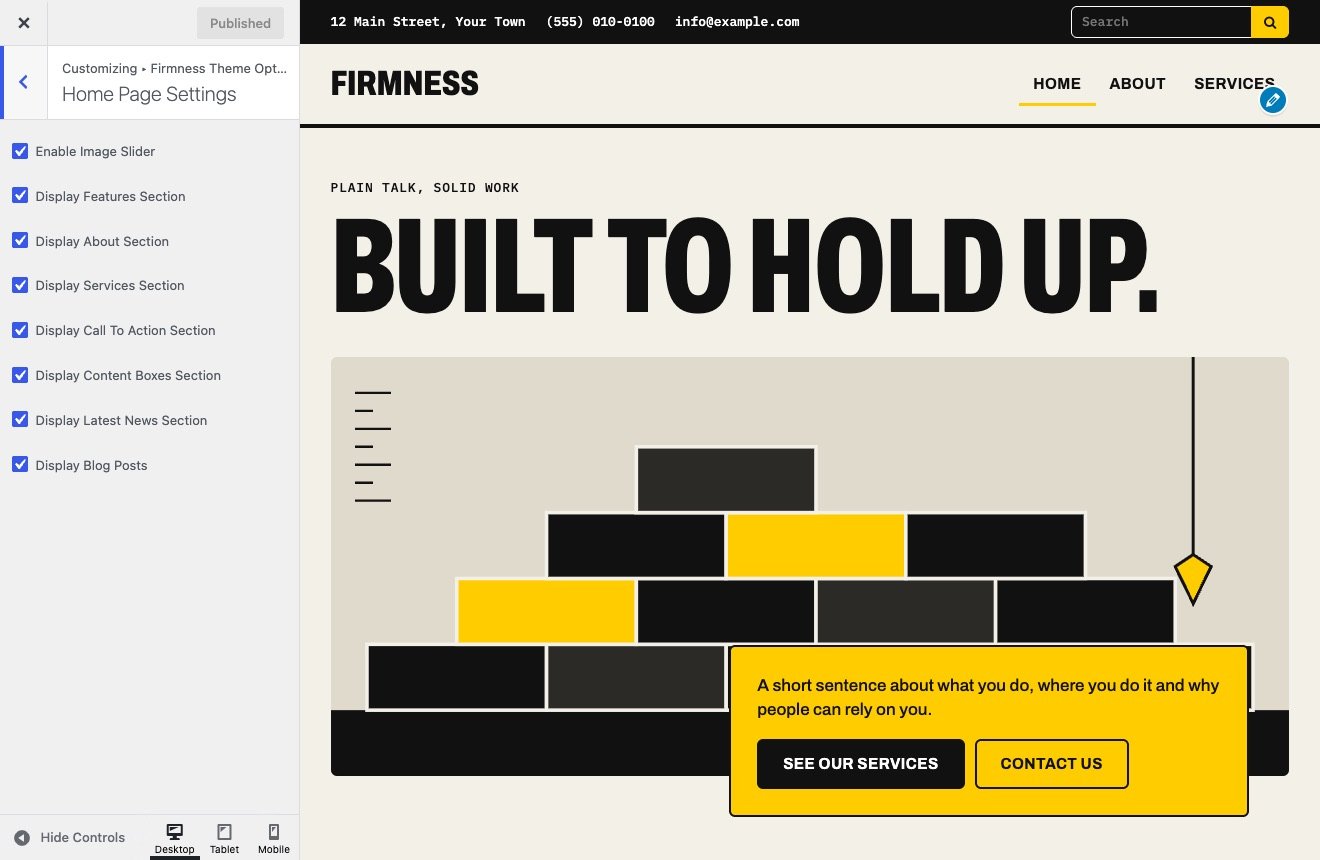
On a new Modern site all eight are on. On a 1.x site your own choices stay, and the call to action and content boxes start off, as they did in 1.x.
To edit what a section says, see Home page section settings.
The opening on Modern
At the bottom of Image Slider Settings, Home page opening offers two choices:
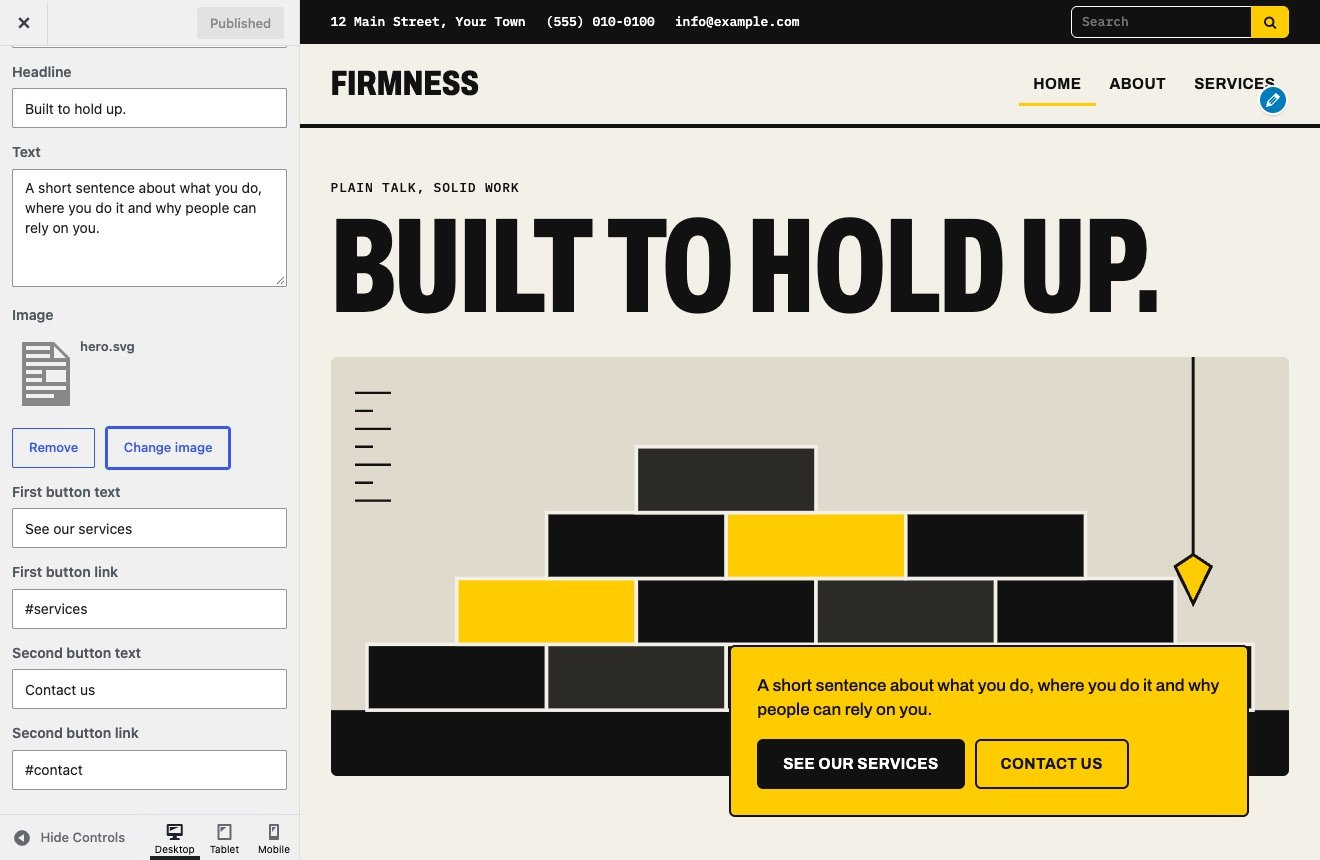
- Headline and image: a giant headline over your image, with a plate of text and two buttons. Edit Small line, Headline, Text, Image and the text and link of each button. A new site starts here. Leave a button’s text empty to hide it.
- Slides from posts: the same layout, filled from your recent posts. A site that came from 1.x starts here.
Slides from posts
Each slide is a post: its title is the headline and its featured image is the picture. These fields are in Image Slider Settings:
| Field | What it does | Used by |
|---|---|---|
| Image Slider Category | Takes slides from one category, or from all of them. | Both |
| Number of Slides | How many posts to show. | Both |
| Slideshow Interval | Time per slide. 1000 is one second, and the default is 5000. | Both |
| Enable Slider Captions | Adds the post’s excerpt. It is off by default. | Both |
| Enable Captions Button, Captions Button Text | Adds a button to the caption, linking to the post. | Both |
| Animation Speed | Length of the transition between slides. | Classic |
| Image Slider Height | Height of the slider in pixels. | Classic |
| Caption position, width and colors | Where the caption sits and how it looks. | Classic |
A slide with no featured image shows a sample picture from the theme. Animation Speed stays visible on Modern but has no effect there.