
Fonts & privacy
Modality documentation
Fonts & privacy
Browse the documentation
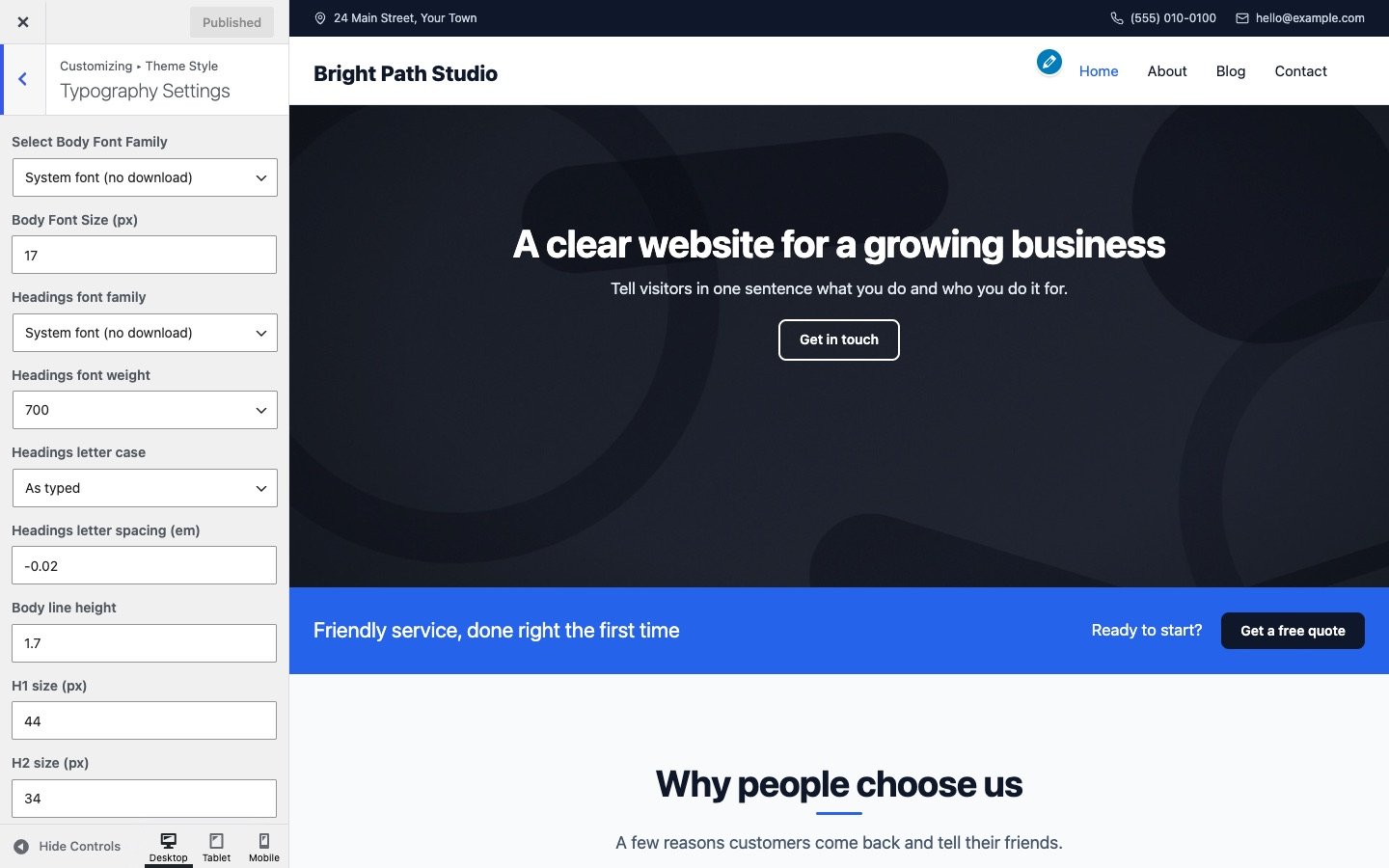
Fonts are in Customize → Theme Style → Typography Settings. The logo and the menu have their own font settings in Header & Menu.
Font families
Choose a Body Font Family and a Headings font family from 28 Google Fonts, or System font, which uses the font already on your visitor’s device and downloads nothing. The list includes sans serifs (Inter, Manrope, DM Sans, Montserrat, Open Sans, Roboto and more), serifs (Playfair Display, Lora, Merriweather, Fraunces and more) and display fonts (Oswald, Bebas Neue).
Sizes and style
- Body Font Size and Body line height.
- H1 size to H6 size, in pixels. Large headings shrink a little on phones by themselves.
- Headings font weight, Headings letter case (as typed, uppercase or capitalized) and Headings letter spacing.
Google Fonts and privacy
With Host Google Fonts on this site turned on (the default), Modality downloads the font files you chose to your own uploads folder once, when you save the Customizer. Visitors then load them from your site and never connect to Google, which is good for privacy laws such as the GDPR and a little faster too.
Until the first save, or with the setting turned off, fonts load from Google’s servers. Choose System font for both body and headings to load no web fonts at all.
Modality loads nothing else from other websites, does not track visitors and sets no cookies.